A security camera or a parked dashcam records hours in which nothing happens, and somewhere in there are the few seconds you need. Scrubbing for them is slow and easy to get wrong. This guide has Kutmo find every stretch where something moves, so you only watch those.
1. Get the footage as video files
Export the recording from your camera's app, recorder or SD card. Kutmo reads .mp4, .mov, .webm and .mkv; convert anything else to MP4 first. Dashcams usually split parking mode into short files: copy all of them.
2. Drop the files into Kutmo
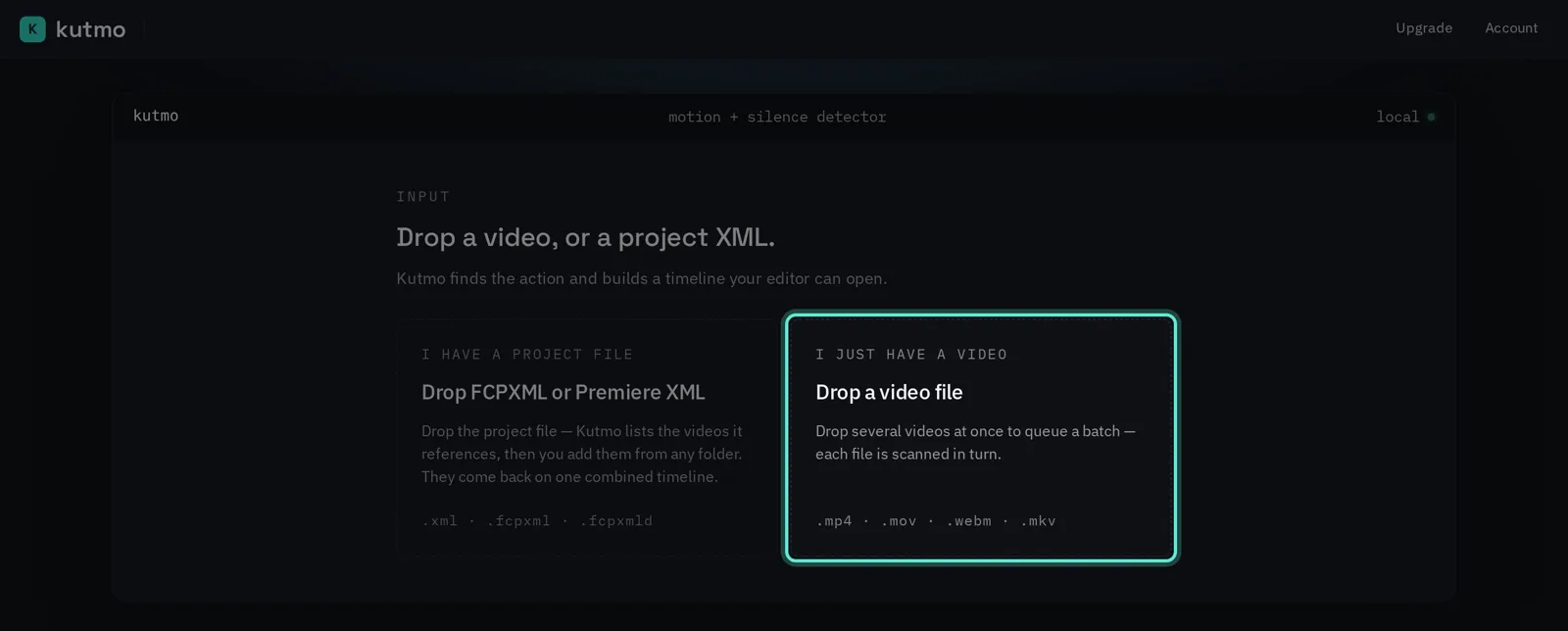
Open kutmo.com/app and drop the files. One long recording scans on its own; several files become a queue, scanned one after another with the same settings.
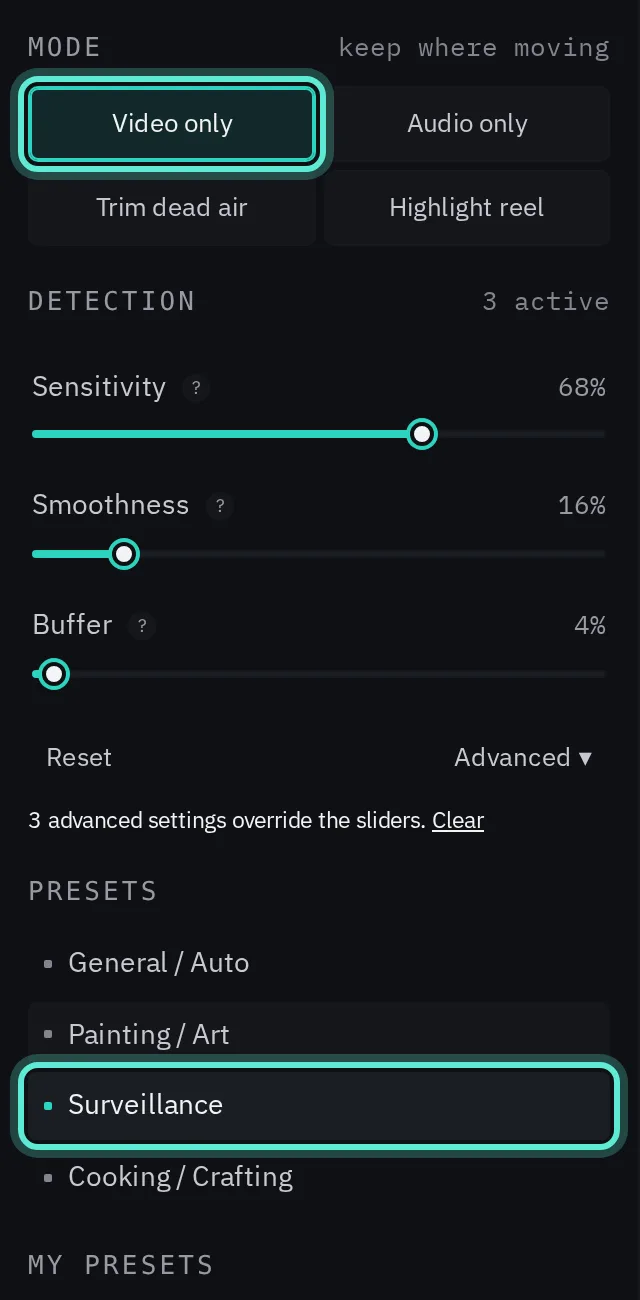
3. Choose Video only and the Surveillance preset
Video only keeps the stretches where something moves. The Surveillance preset is tuned to keep even small movement, so a person crossing far from the camera still counts.
4. Detect, then tune if needed
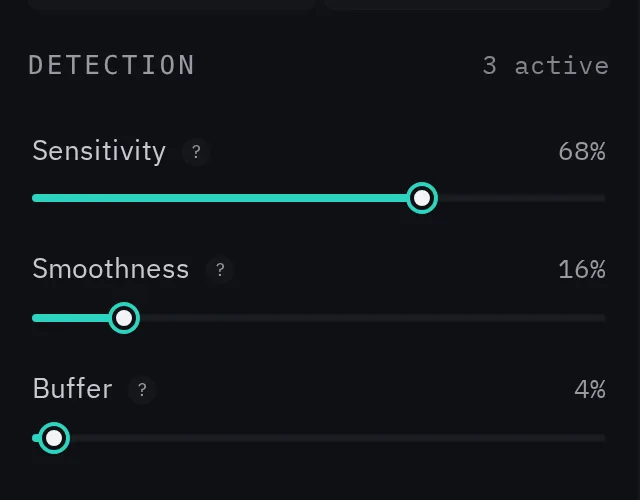
- Trees, rain, passing headlights or changing light kept as events? Lower Sensitivity.
- An event cut off at the start or end? Raise Buffer.
- One event split into many fragments? Raise Smoothness.
The timeline shows every event bright and the empty hours dimmed. Click through them, or drag a cut if it landed early.
5. Export what you need
- MP4, merge into one: all the events back to back in a single video, for a quick review or to hand to someone.
- MP4, one file per recording: each file trimmed to its events.
- A timeline for Premiere, Resolve or Final Cut, to cut a clip for a report or a post.
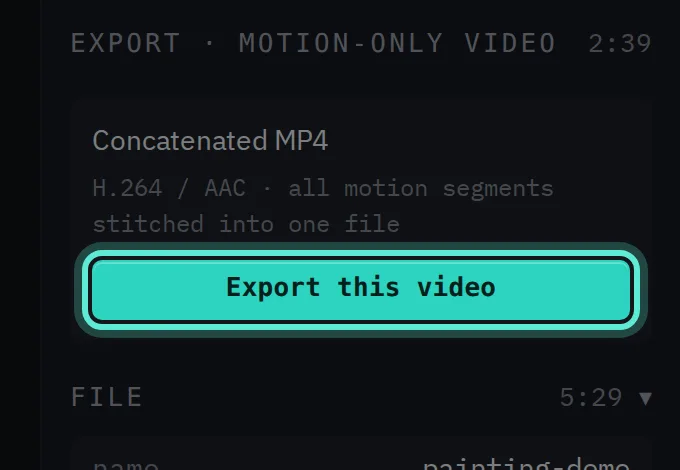
The MP4 export copies the original video rather than re-encoding it, so it is quick and loses no quality. Each cut moves to the nearest keyframe, which can shift it by up to about a second; the timeline exports cut on the exact frame.
Common questions
Is my footage uploaded? No. Detection and the MP4 export run in your browser, so recordings of your home, your car or other people stay on your computer.
How long can a recording be? There is no length limit. Very large files depend on your computer's memory, and long 4K recordings on a modest computer take several minutes to scan.
Try it on your own video. Your first 2 runs need no account, and a free account adds 5 more.